
Click on the orange bar below to install ParentIn Web App on an Android phone
Click here to watch a step-by-step video on installing the ParentIn App Web App on an iPhone (iOS)
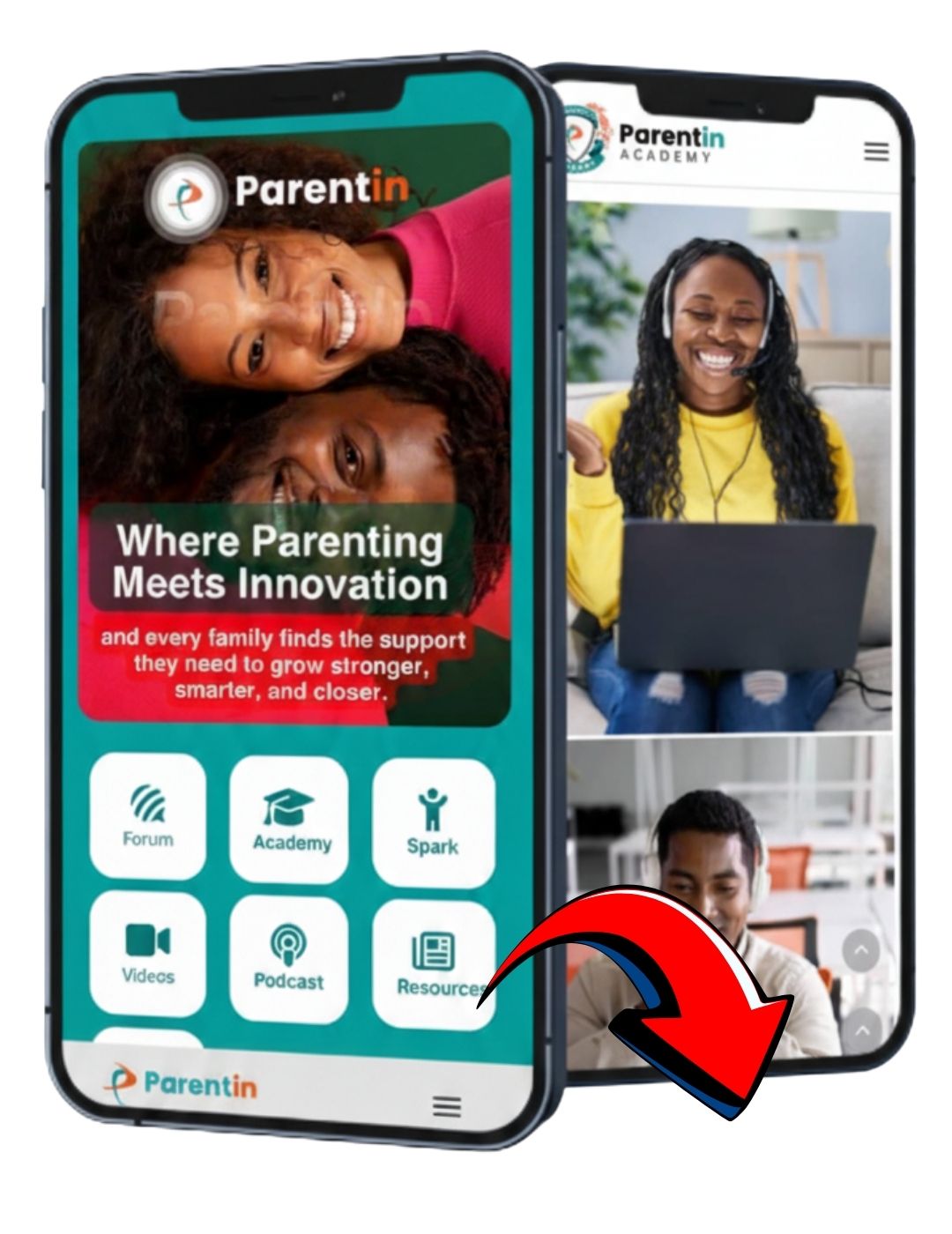
How to Install a Web App on iPhone (iOS)
Step 1: Open the Download Page
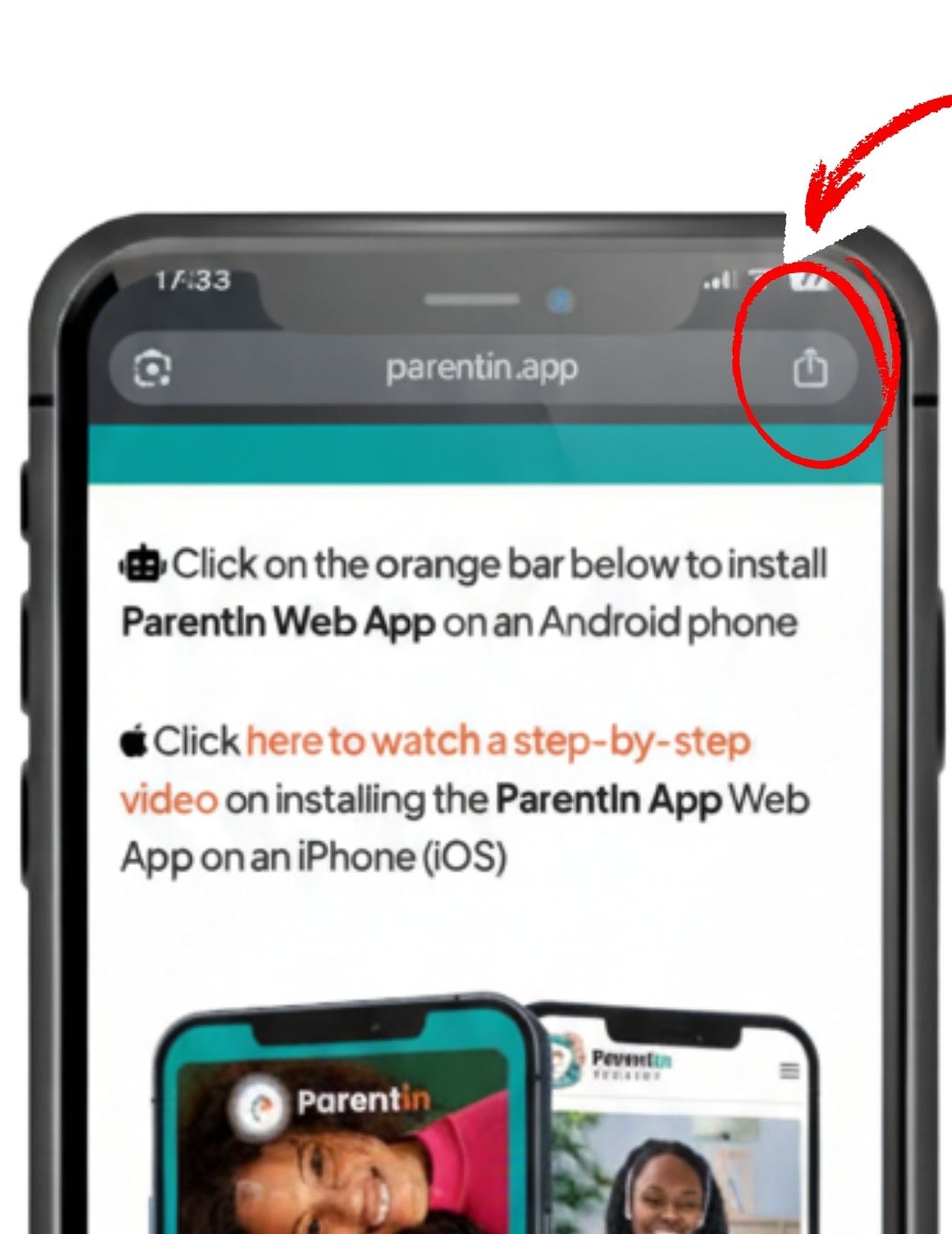
- Launch the download page on your iPhone.
- Tap the Share icon at the top or bottom of the browser (Chrome or Safari)
(It looks like a square with an arrow pointing upward.)
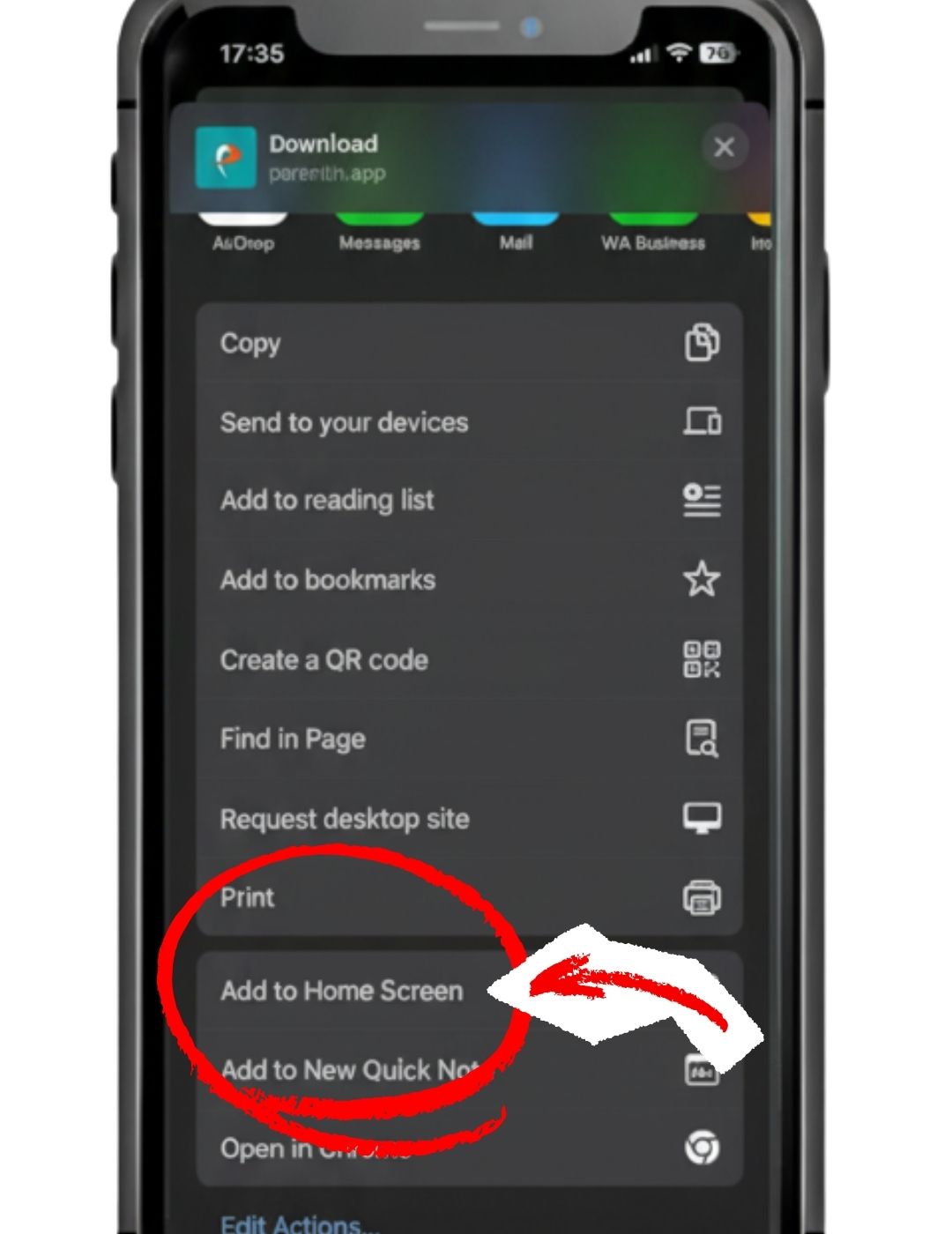
Step 2: Scroll down and select “Add to Home Screen”
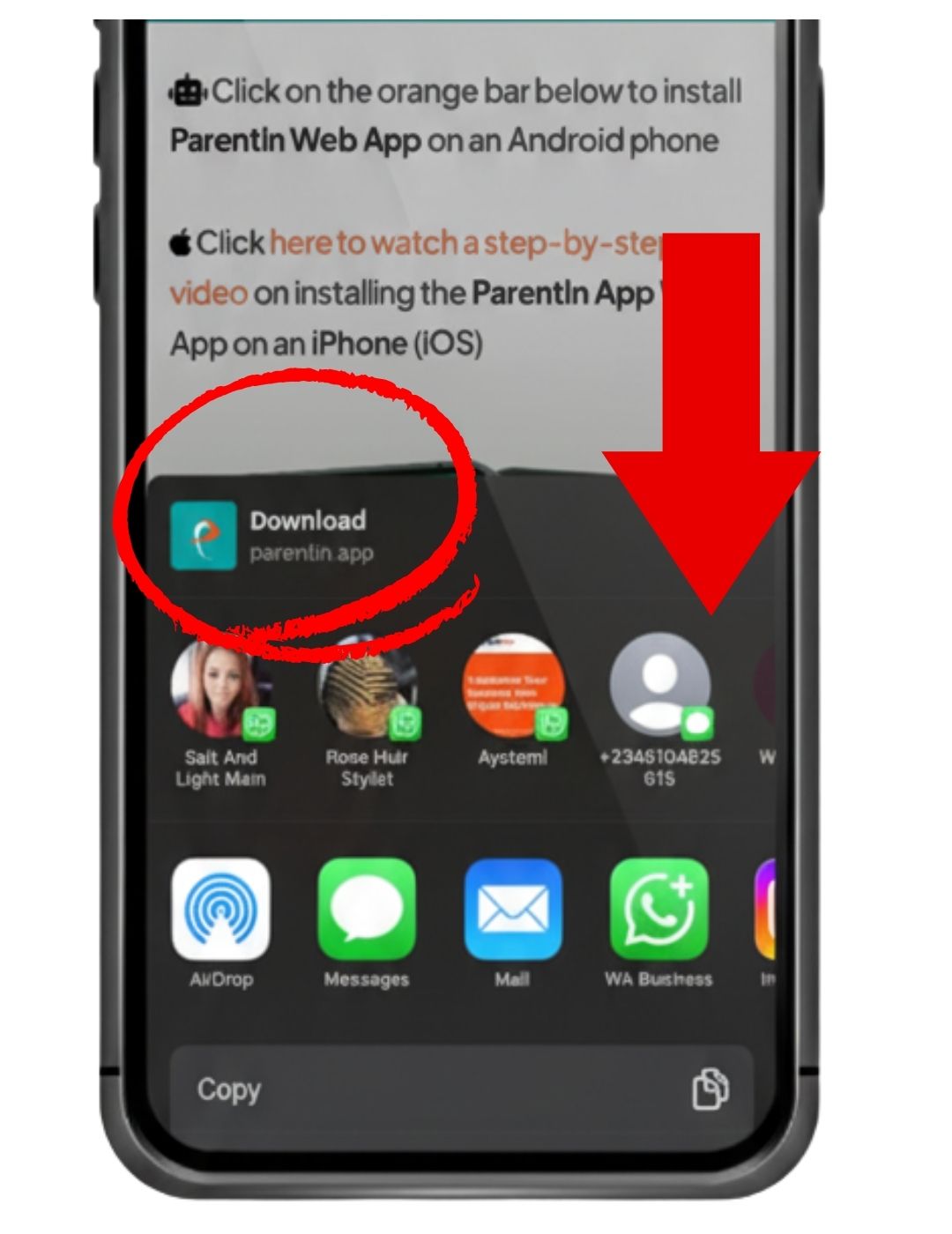
- In the Share menu, scroll down until you see “Add to Home Screen”.
- Tap it.
Step 3: Add the App

- Tap “Add” in the top-right corner.
- Your browser will add the WebApp icon to your Home Screen.
Step 4: Launch the App
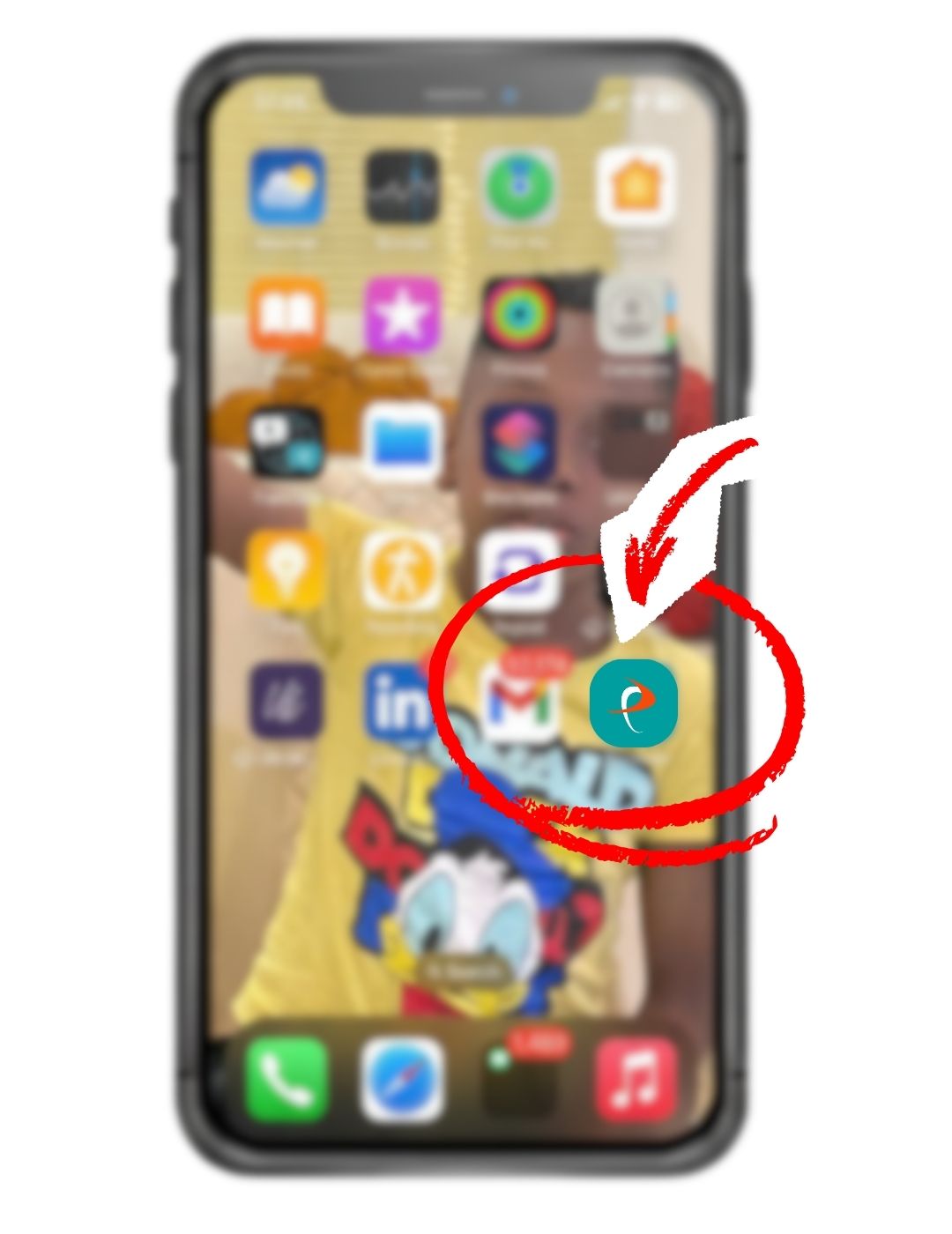
- Find the new app icon on your Home Screen.
- Tap it to open the Web App